Did you check your credit score recently and find an active loan from **”DMI Finance”** that you don’t recall taking directly?
You are not alone. Thousands of borrowers in India search for the **DMI Finance partner loan apps list** after discovering DMI’s name on their CIBIL or Experian reports.
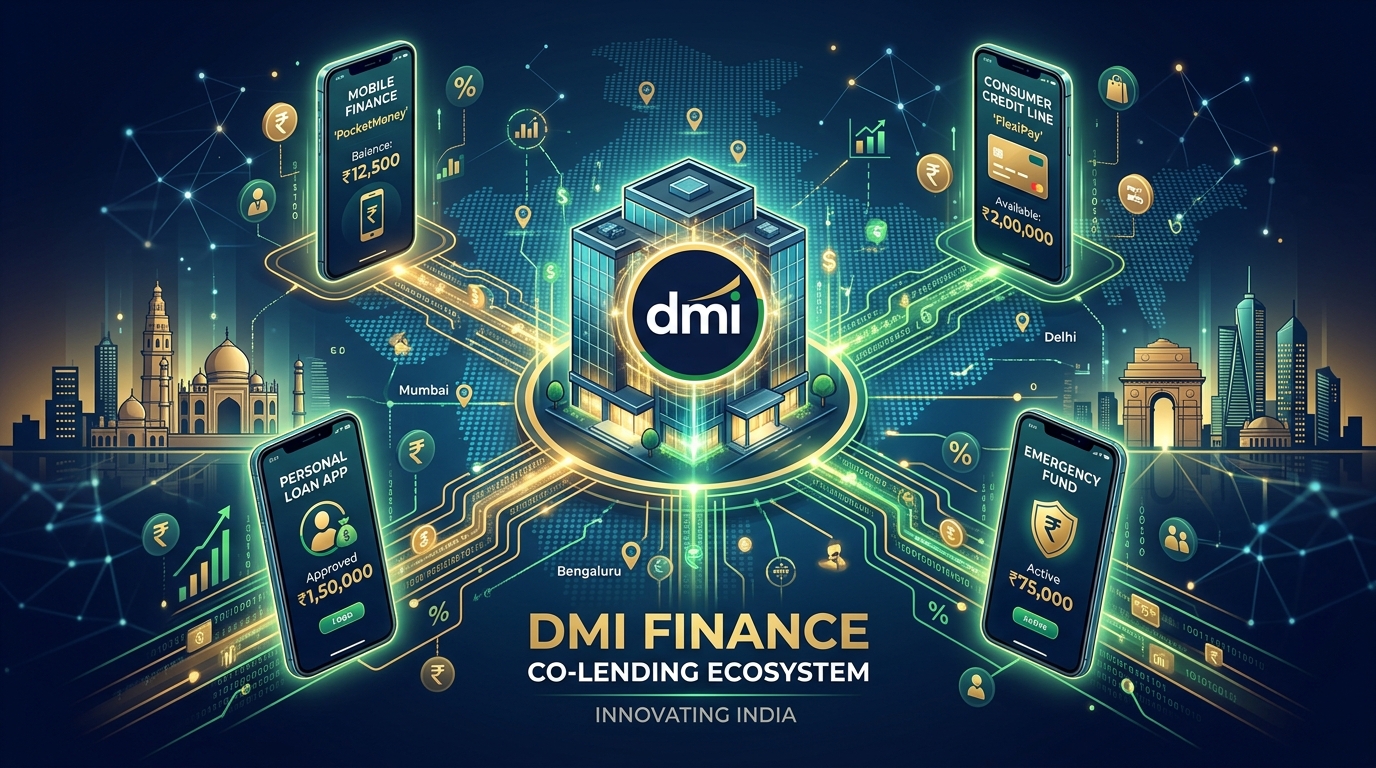
DMI Finance is a massive, RBI-registered Non-Banking Financial Company (NBFC) that provides backend capital to popular customer-facing mobile applications.
When you apply for a loan on these third-party apps, the actual lending is executed and reported by DMI Finance.
In this guide, we map out the official loan apps backed by DMI Finance, explain why DMI appears on your credit profile, and outline step-by-step instructions to download your No Objection Certificate (NOC) once you clear your dues.
Who is DMI Finance Private Limited?
DMI Finance Private Limited is a registered scheduled NBFC licensed by the Reserve Bank of India.
Instead of operating physical branches, DMI Finance partners with technology companies (Lending Service Providers) to disburse instant consumer, personal, and mobile device loans digitally.
This B2B2C business model allows fintech apps to offer instant processing, while DMI handles credit risk evaluation, KYC compliance, and credit bureau reporting.
Official List of Loan Apps Partnered with DMI Finance
If you have borrowed from any of the following platforms, DMI Finance is the financial institution backing your loan:
1. Samsung Finance+ (Mobile Financing)
Samsung Finance+ is a popular platform that helps users purchase Samsung smartphones on EMI at retail stores.
DMI Finance is the primary NBFC partner for Samsung Finance+ in India, managing all digital credit approvals and EMI billing cycles for device finance.
2. Uni Card (Credit Line & Pay Later)
Uni Card offers digital credit lines and flexible pay-later cards (like Uni Pay 1/3rd Card) for retail transactions.
DMI Finance acts as the financial backend, providing the active credit line linked to your Uni app account.
3. Navi (Personal & Home Loans)
Navi is a major digital lending app founded by Sachin Bansal, offering instant personal loans up to ₹20 Lakhs.
While Navi has its own NBFC (Navi Finserv), it frequently co-lends with DMI Finance to fund high-value consumer loans.
4. KreditBee & Stashfin (Micro-Lending)
KreditBee and Stashfin are popular micro-lending apps offering quick cash transfers for salaried professionals.
Both apps partner with DMI Finance as one of their primary lending consortium members to distribute personal credit lines.
5. Local Retail Partners (Home Credit & Retail EMIs)
DMI Finance partners with offline merchant chains to finance consumer durables (like TVs, ACs, and laptops) at retail checkouts.
Why is My CIBIL Report Showing “DMI Finance” Instead of the App Name?
Under RBI’s Digital Lending Guidelines, third-party apps (LSPs) cannot report credit accounts directly to bureaus under their app brand names.
Only the licensed financial institution (the NBFC or Bank) that actually disbursed the funds can report the loan to CIBIL.
Therefore, if you took a mobile loan via Samsung Finance+ or a cash loan on KreditBee, the account is legally registered under **DMI Finance Private Limited**.
This is a standard regulatory practice and is not a sign of identity fraud, provided the loan amount matches what you borrowed.
How to Download DMI Finance Loan NOC / No Dues Certificate Online
Once you pay off your loan on the partner app, you must secure a No Objection Certificate (NOC) from DMI Finance to ensure your CIBIL profile is updated as “Closed.”
Follow these steps to download your DMI NOC online:
- Visit the official DMI Finance customer portal at dmifinance.in.
- Click on the **”Customer Login”** link in the navigation menu.
- Log in using your registered mobile number and verify via OTP.
- Navigate to the **”My Loans”** or **”Active Accounts”** section.
- Select the loan account that has been paid off (cross-verify using the Loan Account Number from your app).
- Click on **”Request Document”** and select **”No Objection Certificate (NOC)”**.
- The portal will instantly generate your NOC PDF, which you can download and save.
DMI Finance typically updates credit bureaus to close the account within **30 to 45 days** of issuing the NOC.
DMI Finance Customer Care & Grievance Redressal Contact Details
If your payment is made but not showing on the app, or if you face issues getting your NOC, you can contact DMI directly:
- Customer Support Email: Write to DMI’s support desk at customercare@dmifinance.in (ensure you quote your Loan Account Number and UTR).
- Grievance Redressal Officer: If your query is unresolved within 14 days, escalate to the grievance officer at head.services@dmifinance.in.
Frequently Asked Questions (FAQ)
Is DMI Finance a safe and RBI registered NBFC?
Yes. DMI Finance Private Limited is an RBI-licensed Non-Banking Financial Company (NBFC) operating legally in India. It is a highly reputable institutional lender.
Why did I get an SMS from DMI Finance?
You received an SMS because you either applied for mobile financing at a store (Samsung Finance+) or took a digital loan via partner apps like Navi, Uni, or KreditBee.
How long does it take for DMI Finance to update CIBIL?
After you clear your loan and get the NOC, DMI Finance will report the closed status to CIBIL and other bureaus during their monthly reporting cycle, which takes 30 to 45 days.
Can I pay my DMI Finance EMI directly on their website?
Yes. You can pay your EMI directly on the DMI Finance portal by going to the Quick Pay page, entering your Loan Account Number, and choosing UPI or net banking.
What happens if I default on a DMI Finance loan?
If you fail to repay your EMI, DMI Finance will report your account as “Overdue” or “Default” to CIBIL, which will severely lower your credit score and make it difficult to get future loans.
Conclusion
Finding DMI Finance on your credit history is a standard result of borrowing from modern fintech platforms.
By identifying their partner apps (like Samsung Finance+ or Navi) and downloading your NOC upon closure, you can keep your credit file clean.
Ensure you save your UTR details and download NOC letters for every closed account to prevent credit score discrepancies. Share this guide with friends who borrow online to help them understand their CIBIL reports!

Sarthak Gupta writes about personal finance, loans and credit for Indian borrowers. His guides on Techy Loan explain CIBIL scores, RBI rules and loan apps in simple language so readers can borrow safely and confidently.