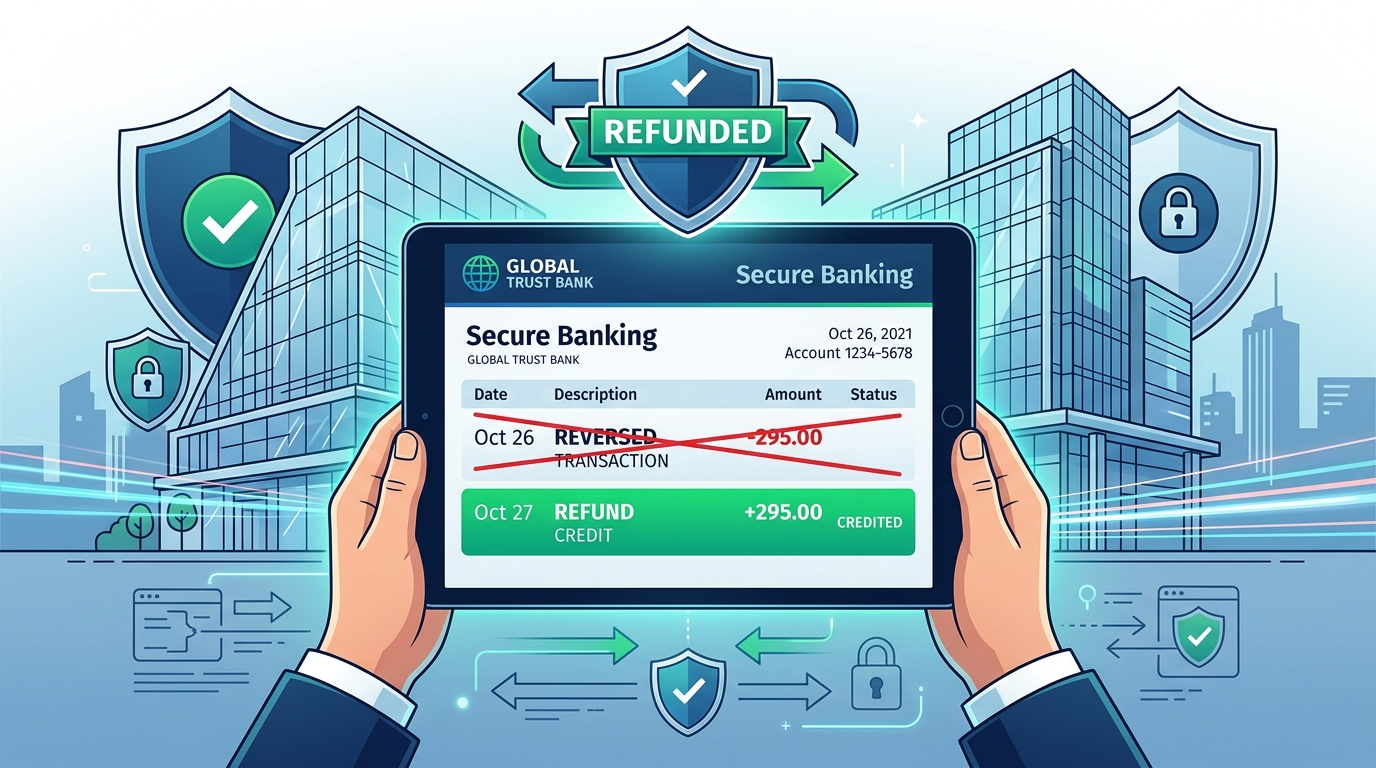
Have you noticed money deducted from your State Bank of India account under the description “ECS Bounce Charges” or “NACH Debit Return Fees,” leaving your balance in the negative?
SBI charges a penalty fee when a merchant attempts an auto-debit (like a loan EMI, SIP, or insurance premium) and your account has insufficient funds.
However, if the deduction happened due to a technical glitch, a bank server error, or a merchant charging you twice, you are legally entitled to get those charges reversed.
Knowing how to get refund for auto debit bounce charges in SBI is the key to recovering your money and protecting your account from balance depletion.
In this guide, we explain the refund rules, detail the online complaint process, provide a copy-paste dispute letter template, and outline escalation steps.
What are SBI Auto Debit (NACH/ECS) Bounce Charges?
When you register a NACH or ECS mandate, you give automated withdrawal rights to a company.
If the withdrawal fails because of a low balance, SBI levies a penalty fee of **₹250 + 18% GST (Total ₹295)** per failed attempt.
Some merchants trigger the debit request multiple times in a single day, resulting in multiple charges (e.g., ₹295 x 3 = ₹885) within 24 hours.
When Can You Claim a Refund for SBI Bounce Charges?
SBI will only waive or refund the bounce penalty fees under specific scenarios:
- Technical Glitch: You had sufficient balance on the scheduled date, but a system delay on SBI’s backend caused the transaction to fail.
- Double Debit Request: The merchant triggered multiple debit requests on the same day for a single billing cycle, and the subsequent requests failed.
- Late Cancellation: You submitted a mandate cancellation request to SBI at least 3 days prior, but the bank failed to block the debit.
- Invalid Mandate: A fake loan app or merchant executed an unauthorized debit attempt without your active consent.
Step-by-Step Process to Apply for SBI Bounce Charge Refund Online
You can raise a dispute directly on SBI’s Customer Request and Complaint (CRC) portal without visiting the branch:
- Go to the official SBI CRM portal at crc.sbi.co.in.
- Under the Customer Login section, select **”Raise Complaint / Request”**.
- Select customer type as **”Retail Consumer”** and choose transaction category as **”General Banking / Electronic Services”**.
- Input your SBI Savings Account Number and click **Send OTP**.
- Enter the OTP sent to your registered mobile and click submit.
- In the complaint form, select sub-category as **”Unfair Charges / Penalty Wave-Off”** (or *Refund of ECS/NACH charges*).
- Explain the reason for the request (e.g., “technical server delay on payment date”) in the description box, upload your bank statement showing the transaction date, and click **Submit**.
SBI will investigate the dispute and send a resolution message within 7 to 10 working days.
SBI Auto Debit Bounce Charges Refund Request Letter & Email Format
If you prefer to visit your home branch, you can submit a physical application to the Branch Manager. Use this template:
The Branch Manager,
State Bank of India,
[Branch Name / City]
Subject: Request for Waiver/Refund of Auto Debit (ECS/NACH) Bounce Charges
Respected Sir/Madam,
I hold a savings account in your branch with Account Number [Your Account Number]. On [Date of Deduction], a sum of [Amount, e.g., ₹295] was deducted from my account towards ECS/NACH bounce charges.
I request you to waive off this charge because [Mention Reason, e.g., “I had deposited cash but it reflected late due to bank server lag / The merchant initiated double debits on the same day”].
I request you to kindly reverse the deducted charges to my account.
Thanking you,
Name: [Your Name]
Mobile: [Your Mobile]
Signature: ______________
How to Escalate to RBI Ombudsman if SBI Rejects Refund
If your refund request is rejected by SBI despite proof of a bank-side technical glitch, you can escalate the matter online:
- Visit the RBI Complaint Management System portal at cms.rbi.org.in.
- Click on **”File a Complaint”** and select Banking Ombudsman.
- Provide your SBI complaint ticket ID, upload your transaction statement, and submit.
- The Ombudsman will review the case and order the bank to credit the refund if the charge violates RBI guidelines.
Tips to Avoid Auto Debit Bounce Charges in SBI
To avoid recurring penalty fees in the future:
- Maintain a buffer balance of at least ₹500 above your EMI value in your account.
- Always cancel outdated e-mandates online using Yono SBI or Net Banking before the billing cycle starts.
- If you close a loan, request the lender to freeze the NACH mandate on their portal immediately.
Frequently Asked Questions (FAQ)
Does SBI refund ECS bounce charges?
Yes. SBI will refund ECS bounce charges if the failure was caused by a technical glitch on the bank’s servers, a merchant double-billing error, or if you had already requested a mandate cancellation.
What is the penalty for auto debit bounce in SBI?
SBI charges ₹250 as a penalty fee plus 18% GST, bringing the total deduction to ₹295 per failed auto-debit attempt.
Can my account balance go negative due to bounce charges?
Yes. If your savings account balance is low and an auto-debit fails, SBI will deduct the penalty, which can push your account balance into a negative figure.
How do I raise a complaint for SBI bounce charges?
You can lodge an official complaint online on the SBI CRC portal (crc.sbi.co.in) under the ‘Unfair Charges’ sub-category or send an email to customercare@sbi.co.in.
Is GST refundable on bounce charges waiver?
Yes. When the bank waives the base charge of ₹250, the associated 18% GST component (₹45) is automatically refunded to your savings account.
Conclusion
Filing a dispute for unauthorized or glitched bounce charges is a smart way to recover your hard-earned savings.
By using the SBI CRC portal or submitting our custom branch letter, you can secure reversals for unjust penalty fees quickly.
Ensure you actively cancel dead mandates to prevent future penalties. Share this guide with friends and family banking with SBI to help them recover their money!

Sarthak Gupta writes about personal finance, loans and credit for Indian borrowers. His guides on Techy Loan explain CIBIL scores, RBI rules and loan apps in simple language so readers can borrow safely and confidently.