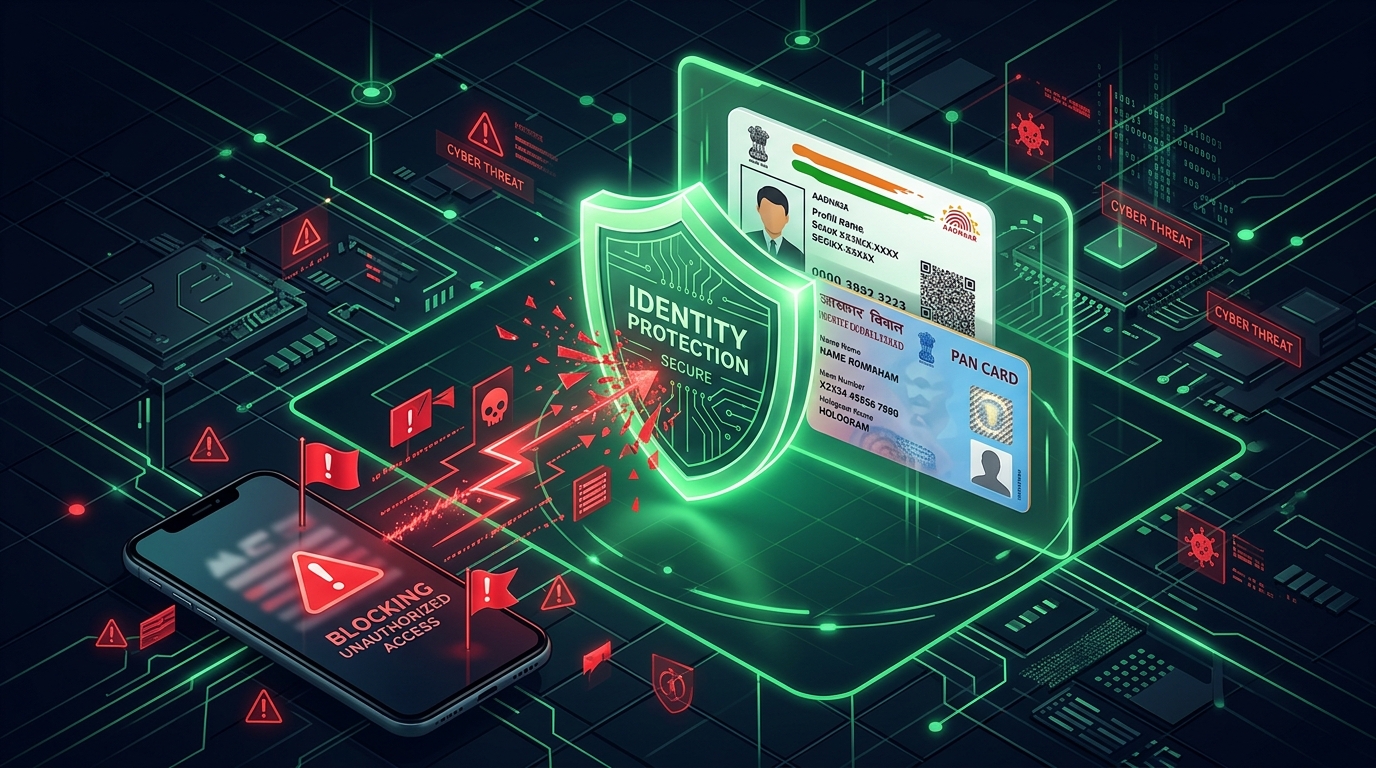
Did you accidentally upload your Aadhaar card, PAN card, or personal selfie to an unregistered, fraudulent loan app and are now panicking about identity misuse?
Knowing how to remove PAN card and Aadhaar details from fake loan apps is a critical security concern for thousands of digital borrowers in India who fall prey to predatory “7-day” loan platforms.
These illegal applications use deceptive advertising to trick users into uploading KYC details before locking them into high-interest debt traps.
Once you submit your documents, they are uploaded directly to the scammer’s private cloud servers.
In this guide, we provide a complete safety protocol to secure your identity, revoke app permissions, lock your Aadhaar biometrics, monitor PAN transactions, and report extortion to cyber authorities.
The Truth About Uploaded KYC Documents in Fake Loan Apps
It is important to understand a harsh reality first: you cannot log into a fake loan app’s backend and delete files from their remote servers.
Even if you click a “delete account” button inside the app, the scammers will retain copies of your Aadhaar, PAN, and contacts on their database.
However, you can take immediate steps to neutralize their access, prevent them from accessing new data, lock your biometrics from unauthorized bank links, and secure yourself against identity fraud.
Step 1: Revoke All Device Permissions and Uninstall the App
To prevent the app from scraping updated contact logs, private photos, or live location data, you must block its system permissions.
- Open your smartphone’s **Settings** menu.
- Go to **Apps** (or App Management) and select the fake loan application.
- Tap on **Permissions**.
- Toggle all permissions (Contacts, Storage, Camera, Location, Phone, SMS) to **”Don’t Allow”** or **”OFF”**.
- Navigate back to the app info page, clear all app cache/data, and tap **Uninstall**.
Revoking these access points blocks their active spy connection to your device.
Step 2: Lock Your Aadhaar Biometrics Online via UIDAI Portal
Scammers can attempt to use your Aadhaar number and biometrics to execute unauthorized transactions or link accounts.
To prevent this, you should lock your Aadhaar biometrics online using the official UIDAI portal or the mAadhaar app.
Follow these steps to lock your biometrics:
- Go to the official UIDAI portal at uidai.gov.in and log in using your Aadhaar number and OTP.
- Select **”Lock/Unlock Biometrics”** (or Aadhaar Lock Service).
- Confirm the prompt and toggle the lock status to **Lock**.
- Once locked, your biometric indicators (fingerprints and iris scans) cannot be used for any verification process.
You can easily unlock it temporarily whenever you need to complete a legitimate registration or bank verification.
Step 3: Monitor and Secure Your PAN Card (Block Misuse)
Scammers can use your PAN card details to apply for fresh loans under your name on other instant loan apps, severely damaging your CIBIL score.
Protect your PAN card with these monitoring steps:
- Download your credit report once a month from CIBIL or Experian to verify if any unrecognized active loans are listed under your name.
- Register for a free account on the **Income Tax e-Filing Portal** to monitor your tax activity and form 26AS logs.
- If you find any unauthorized loan queries or accounts, report them immediately to the credit bureau and the lending bank’s grievance department to dispute the identity theft.
Step 4: Disconnect Cloud Account Access (Google Drive & iCloud)
Predatory loan apps sometimes attempt to scan your Google Drive or iCloud backup directories to harvest photos and documents.
To stop this cloud access, follow these security steps:
- Go to your **Google Account Settings** (myaccount.google.com).
- Navigate to the **Security** tab.
- Scroll down to “Third-party apps with account access” and select **”Manage third-party access”**.
- Find the name of the loan app or any suspicious connection and click **”Remove Access”**.
Step 5: Report Identity Extortion on the Cyber Crime Portal
If the operators of the fake loan app attempt to blackmail you by threatening to share your PAN/Aadhaar photos with your contacts, do not pay them.
Paying them once will only lead to further extortion demands. Instead, report them immediately:
- Capture clear screenshots of the threats, the WhatsApp numbers they call from, and your transaction details.
- Visit the government’s **National Cyber Crime Reporting Portal** at cybercrime.gov.in.
- File a detailed complaint under the **”Report Credit Card/Online Fraud”** or “Identity Theft” category.
- Alternatively, call the national cyber helpline number at 1930 to register your complaint over the phone.
Keep a copy of the cyber complaint reference number safe. If scammers create fake profiles under your name, this reference is your legal proof of fraud.
What to Do If Recovery Agents Threaten to Share Your KYC Details
If agents start calling your contact list, send a broadcast text message to all your family and friends immediately:
“Hi friends and family, my phone was recently compromised by a fraudulent spam app. They have stolen some of my contact numbers and are sending fake loan payment notices and threats. Please ignore and block any calls or WhatsApp messages received under my name. I have already filed an official complaint with the Cyber Cell (Reference ID: [XXXX]). Do not share any details with them.”
Frequently Asked Questions (FAQ)
Can fake loan apps use my PAN card to take loans in other apps?
Yes. If scammers have your PAN card photo and mobile number, they can attempt to apply for loans on other weak verification platforms. This is why you must check your CIBIL report monthly to detect and dispute unauthorized credit inquiries.
How do I unlock my Aadhaar biometrics when needed?
You can unlock your biometrics instantly by logging into the mAadhaar app or the official UIDAI website, selecting “Unlock Aadhaar,” and entering your OTP. It will unlock temporarily for 10 minutes and lock back automatically.
Will uninstalling the loan app delete my PAN and Aadhaar from their server?
No. Uninstalling the app only cuts off their connection to your phone’s active data. It does not delete the documents you already uploaded to their server. You must report the incident to the Cyber Cell to establish a legal record of identity theft.
Should I pay the loan app to delete my documents?
No! Never pay blackmailers. They will take your money and continue to extort you using the same documents. Block their numbers and file a complaint on the cybercrime portal immediately.
Where can I report illegal loan apps in India?
You can report them on the official National Cyber Crime website at cybercrime.gov.in or file a complaint on the RBI Sachet portal at sachet.rbi.org.in.
Conclusion
Falling prey to a fake loan app is a stressful experience, but taking active security measures can prevent identity misuse.
By revoking permissions, locking your Aadhaar biometrics, monitoring your credit profile, and filing cyber complaints, you can successfully protect your identity and peace of mind.
Never share your KYC details on unverified platforms or social media links. Share this guide with others to help them stay safe online!

Sarthak Gupta writes about personal finance, loans and credit for Indian borrowers. His guides on Techy Loan explain CIBIL scores, RBI rules and loan apps in simple language so readers can borrow safely and confidently.











Mere jitne bhi fighter Ho hataye