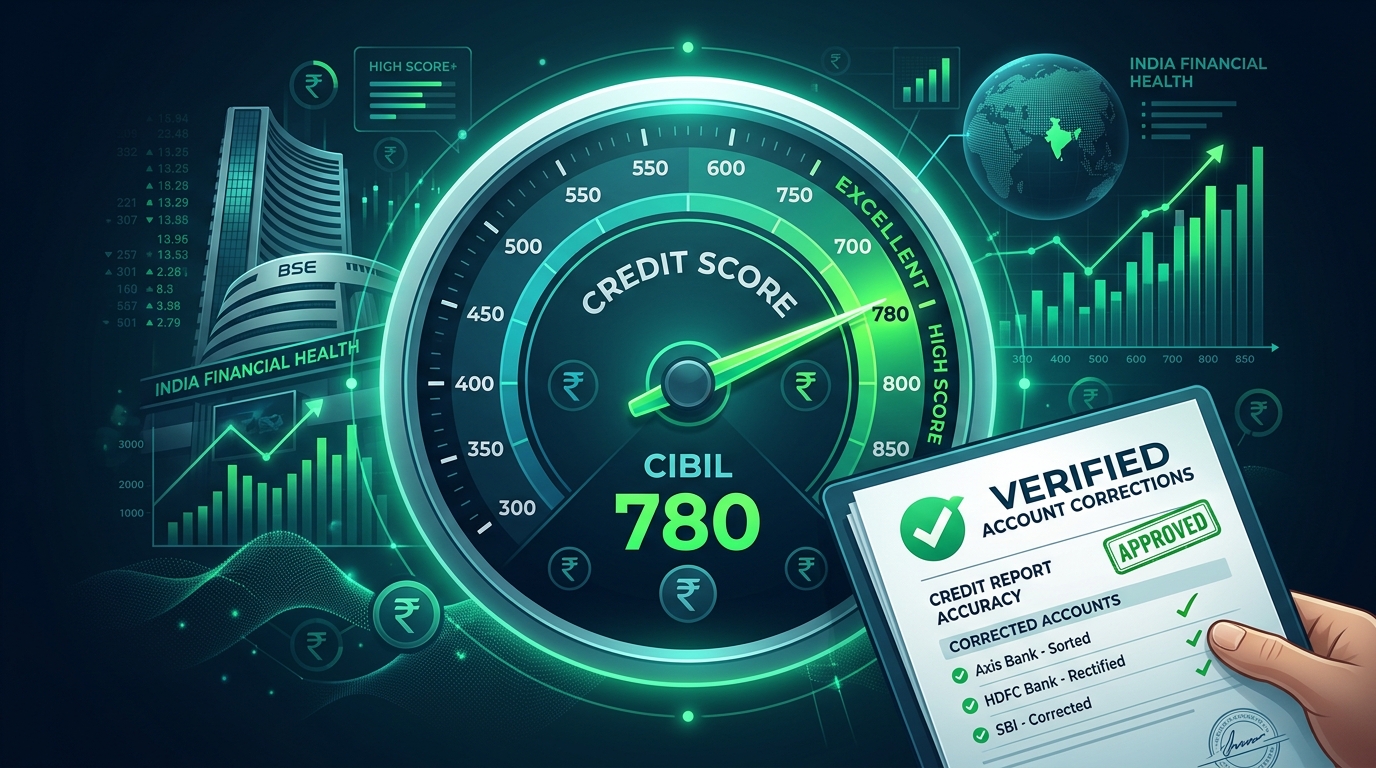
Have you cleared all your loan dues but are still seeing your credit score drop because of an incorrect status on your credit history?
Learning how to clear settled or active status in CIBIL report online is one of the most effective ways to repair your credit health and ensure future loan approvals.
Many borrowers find that even after paying off their complete outstanding amount, banks neglect to report the update to credit bureaus.
As a result, your account continues to show as “Active” or, worse, “Settled” or “Written-Off”—all of which indicate default risk to future lenders.
In this guide, we provide the complete, step-by-step procedure to correct these flags on your credit report, raise online disputes with CIBIL, draft escalation emails to bank officers, and file complaints with the RBI Ombudsman.
Understanding CIBIL Remarks: Loan “Closed” vs. “Settled” vs. “Active”
Before initiating the cleaning process, it is important to know what each status code means to a loan officer:
| Status Remark | What It Means | Impact on Credit |
|---|---|---|
| Closed | The loan was fully repaid according to the original agreement term with 100% principal and interest cleared. | Highly Positive (Improves score) |
| Settled | You negotiated a settlement (paying less than the actual due amount) to close the account because you couldn’t pay in full. | Negative (Lowers score; flags default history) |
| Active (Incorrect) | The loan has been paid off completely, but the bank’s system failed to update CIBIL, showing it as open or overdue. | Neutral/Negative (Increases debt load calculation) |
| Written-Off | The lender gave up on recovering the debt after 180+ days of non-payment and wrote it off as a loss. | Severely Damaging (Blocks future credit) |
Step 1: Obtain Your Official Free CIBIL Report & Identify Discrepancies
The first step is checking the exact account details flagged on your profile.
- Go to the official CIBIL website (cibil.com) and click on **”Get Free CIBIL Score & Report”**.
- Create a profile using your Aadhaar Card, PAN Card, and contact details.
- Navigate to the **”Account Information”** tab in your credit report dashboard.
- Examine each loan entry. Note down the **Account Number, Member Name (Lender Bank), and the Dispute Control Number (DCN)** for any paid loans still listed as “Active” or “Settled.”
Step 2: How to Raise a CIBIL Dispute Online (Step-by-Step)
If you identify a data error (e.g. a paid loan showing as active), you can raise a dispute directly on the CIBIL portal.
CIBIL cannot change data on its own; it will verify your dispute details with the respective bank.
Follow this online procedure to file your dispute:
- Log into your CIBIL account.
- Navigate to the **”Credit Report”** section and select **”Dispute Center”**.
- Click on the **”Dispute an Item”** option.
- Select the category (e.g. Account Information) and select the specific loan account causing the issue.
- Locate the field showing the error (e.g., Account Status or Amount Overdue).
- Select the correct value (e.g., select “Closed” status or change overdue balance to ₹0).
- Submit the dispute. You will receive a unique **Dispute Control Number (DCN)** to track progress.
CIBIL will forward this query to the bank’s nodal officer, who has 30 days to verify and approve the correction.
Step 3: Write a Dispute Escalation Email to the Bank/NBFC (With Template)
If you settled a loan in the past and want to change a “Settled” status to “Closed,” you must first pay the remaining negotiated balance (the difference between the loan amount and the settled amount) to the bank.
Once you clear that balance, demand a **No Objection Certificate (NOC)** from the bank and send this email escalation request:
Subject: Request to Update Loan Account Status to ‘Closed’ in CIBIL – Loan A/C: [Loan Account Number]
Dear Nodal Officer Team,
I am writing regarding the loan account status of my closed loan (Account No: [Loan Account Number]) on my TransUnion CIBIL report.
I have fully cleared all outstanding dues (including the negotiated balance differences) for this account. The bank issued my official No Objection Certificate (NOC) on [Date of NOC]. (A copy of the NOC is attached to this email).
However, my CIBIL report currently displays this loan status as [‘Settled’ / ‘Active’ / ‘Written-off’]. This outdated status is negatively impacting my credit score and profile.
I request you to kindly update the status of this loan account to **’Closed’** in your database and report the same to TransUnion CIBIL at your earliest convenience.
Account details:
– Name: [Your Name]
– PAN Number: [Your PAN]
– Loan Account Number: [Account Number]
– Date of Closure: [Date]
Please provide me with a confirmation email once the records have been updated with the credit bureaus.
Thank you.
Sincerely,
[Your Name]
[Your Mobile Number]
Step 4: File a Complaint on RBI CMS Ombudsman Portal
Under RBI guidelines, banks and NBFCs are legally mandated to update credit bureaus regarding loan closures within **30 days** of receiving payments.
If your bank fails to update your status within 30 days after your dispute or email, you can escalate the matter to the RBI Ombudsman:
- Go to the official RBI Complaint Management System portal at cms.rbi.org.in.
- Click on **”File a Complaint”**.
- Provide your personal details, select the category of the financial institution (Bank or NBFC), and enter the details of the lender.
- Under the reason for complaint, select **”Failure to update credit information report / delay in updating credit status”**.
- Upload your NOC, dispute DCN slip, and copy of email communications as evidence.
- Submit the complaint. The RBI will issue a notice to the bank to resolve the dispute or pay a daily penalty to the customer.
How Long Does CIBIL Take to Clear Settled Status Online?
Once the bank approves the correction and reports the closure, CIBIL updates its records. The entire process takes:
- **CIBIL Dispute Online:** 30 to 45 business days for verification and report updates.
- **Direct Bank Resolution:** If the bank directly updates CIBIL, the change will reflect in the next monthly reporting cycle (usually within 30 days).
- **RBI Ombudsman Intervention:** Usually resolved within 15 to 20 days after filing the complaint.
Frequently Asked Questions (FAQ)
What is the difference between settled and closed status in CIBIL?
“Closed” means you paid back 100% of the loan amount as scheduled. “Settled” means the bank agreed to accept a partial amount because of your financial problems, which hurts your credit score.
Can I change my CIBIL settled status to closed without paying the balance?
No. You cannot change a “Settled” status to “Closed” without clearing the remaining negotiated dues (the discount amount given during settlement). Once paid, the bank will issue a clean NOC, allowing you to update CIBIL.
How can I check my CIBIL dispute status online?
You can check status by logging into the CIBIL Dispute Center. Enter your Dispute Control Number (DCN) to see if the query is pending verification, approved, or rejected by the lender.
Does CIBIL charge fees to resolve a dispute online?
No. TransUnion CIBIL provides the dispute resolution service completely free of charge to all consumers. Never pay third-party agencies promising to delete records for cash.
What happens if a bank ignores my loan NOC?
If a bank ignores your NOC and does not update your CIBIL status within 30 days, you can file a complaint on the official RBI CMS portal (cms.rbi.org.in). The RBI can penalize the bank for the delay.
Conclusion
Fixing errors in your credit history is a vital step toward securing your financial future.
By identifying status discrepancies, raising online disputes on the CIBIL dashboard, sending formal emails to bank nodal desks, and using the RBI CMS portal when needed, you can successfully clean up your profile.
Keep your No Objection Certificates safe and review your CIBIL reports quarterly. Share this guide with friends who need help restoring their credit scores!

Sarthak Gupta writes about personal finance, loans and credit for Indian borrowers. His guides on Techy Loan explain CIBIL scores, RBI rules and loan apps in simple language so readers can borrow safely and confidently.