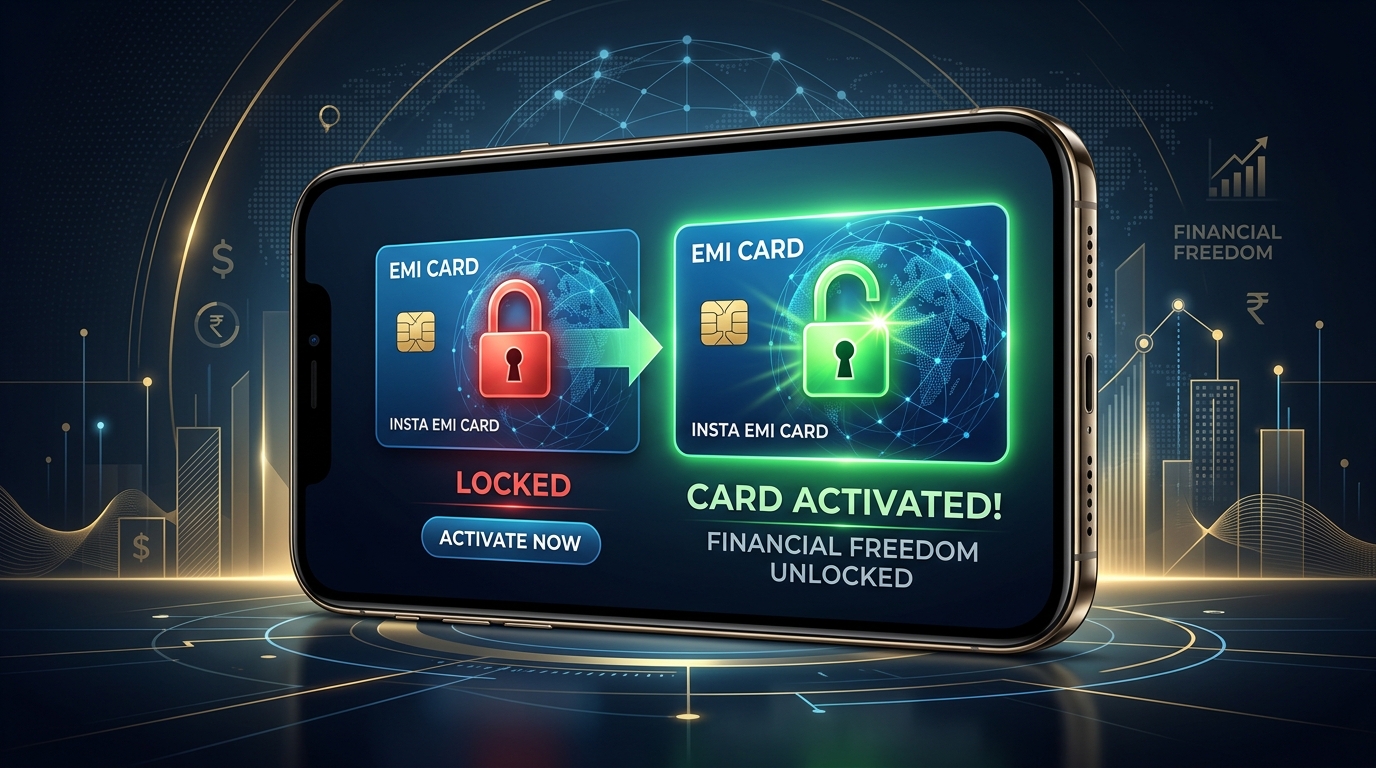
Has your Bajaj Finserv EMI Card been blocked recently, preventing you from making purchases on No-Cost EMI?
Knowing how to unblock Bajaj Finserv EMI Card online is crucial to restore your purchasing power and access your pre-approved loan limit.
Bajaj Finance employs automated system triggers that block cards when specific credit or payment criteria are missed.
Fortunately, most block issues can be resolved online in a few steps once you identify the exact reason behind the restriction.
In this guide, we detail how to check your card status, explore the 4 main reasons for a blocked card, and provide step-by-step solutions to unblock it using the Experia portal or mobile app.
How to Check Your Bajaj Finserv EMI Card Status (Active or Blocked)
Before applying any fixes, you must check your current card status and find the reason for the block.
You can verify this online using these two methods:
Method 1: Checking via Bajaj Finserv App
- Download and open the **Bajaj Finserv App** on your smartphone.
- Log in using your registered mobile number and verify via OTP.
- Navigate to the **”EMI Card”** section on the home dashboard.
- Your digital card will appear. Check the status indicator: if it shows in red or says “Blocked,” tap on it to view the block code or explanation.
Method 2: Checking via Experia Customer Portal
- Visit the official Bajaj Finserv customer portal (Experia) website.
- Log in with your Client ID, mobile number, or email and input your OTP/Password.
- Go to the **”My Relations”** tab and click on “EMI Card.”
- Verify the card status shown on your active relationship profile.
Top 4 Common Reasons Why Your Bajaj EMI Card Gets Blocked
Bajaj Finance automatically restricts card usage under the following circumstances:
| Block Reason | Why It Happens | Impact |
|---|---|---|
| 1. ECS/NACH Auto-Debit Bounce | Your linked bank account did not have sufficient balance on the EMI deduction date (usually the 2nd or 5th of the month). | Immediate card block + bank bounce charges + late payment fee. |
| 2. Drop in CIBIL Score | Your credit score fell below Bajaj’s minimum threshold (usually 730-750) due to missed payments on other loans or credit cards. | System-triggered risk block to prevent over-leveraging. |
| 3. KYC Discrepancy / Expiry | Your official KYC files (Aadhaar or PAN) have expired, contain spelling mismatches, or require re-verification. | Compliance block until KYC is updated. |
| 4. Low Usage / Inactivity | You have not made any purchases or transactions using the EMI card for more than 12 consecutive months. | Temporary security block to prevent fraudulent use of dormant cards. |
Step-by-Step Solutions to Unblock Your Bajaj EMI Card
Follow the specific solution path matching your block reason to reactivate your card limit online.
Solution A: Clear All Overdue Payments and Bounced Charges
If your card was blocked due to a missed EMI or ECS bounce, you must clear the outstanding balance and payment penalties immediately.
- Log into the **Bajaj Finserv App** or visit the Experia portal.
- Navigate to **”Quick Pay”** or “Make Payment.”
- Select **”Overdue Dues”** to view your pending EMI amount plus any bounce charges (usually ₹450-₹500 per bounce).
- Pay the complete amount online using UPI, Debit Card, or Net Banking.
- Download the payment receipt. Once cleared, Bajaj’s automated system updates your profile and unblocks the card within **48 to 72 hours**.
Solution B: Update Your KYC and E-Mandate Settings
If the block is due to compliance or bank mandate verification issues, you need to re-verify your files.
- Open the Bajaj customer portal and go to **Profile Settings**.
- Tap on **KYC verification** and upload clear scans of your Aadhaar Card and PAN Card.
- If your e-mandate (auto-debit instructions) has expired or failed, select the “Update bank account” option.
- Complete the e-mandate registration online using Net Banking or Debit Card OTP authentication to re-link your bank.
Solution C: Restore Your CIBIL Score Back to 750+
If your card is blocked due to a low CIBIL score, Bajaj Finance will not unblock it manually.
You must raise your credit score back to healthy levels by following these habits:
- Pay all your external EMIs and credit card bills before the official due dates.
- Keep your overall credit utilization ratio below 30% on active credit cards.
- Avoid applying for multiple fresh loans or credit cards in a short period.
Once your CIBIL score recovers and updates in Bajaj’s quarterly review cycle, the card block will automatically lift.
How to Submit an Unblock Request via Experia Portal
If you have cleared all dues but the card remains blocked, you can file a manual review request.
- Log into the **Experia Customer Portal**.
- Click on the **”Help & Support”** tab on your dashboard.
- Select **”Raise a Request”** and choose your product as “EMI Card.”
- Under query type, select **”Card Unblock Request”**.
- Briefly explain that you have cleared all dues (attach the payment receipt or NOC) and submit.
- A customer executive will review your request and resolve the status within 3 business days.
Bajaj Finserv Customer Support Details
If you need direct assistance from a support executive, use these official contact channels:
- Customer Helpline Number: **+91 86980 10101** (Call from your registered mobile number)
- Official Support Email: wecare@bajajfinserv.in
Frequently Asked Questions (FAQ)
How much time does it take to unblock a Bajaj EMI card after paying dues?
Once you pay your overdue EMIs and any associated bounce fees online, it takes 2 to 3 working days (48 to 72 hours) for the automated systems to process the payment and restore your card limit.
Why is my Bajaj EMI card showing blocked due to CIBIL score?
Bajaj Finance regularly monitors the credit health of its active borrowers. If your CIBIL score drops below 730-750 due to default on external credit, the system automatically blocks your card as a risk-mitigation step.
Is there any charge to unblock the Bajaj Finserv EMI Card?
No. Bajaj Finance does not charge a specific “unblocking fee.” However, you must pay all overdue EMI amounts, late interest penalties, and bank ECS bounce charges (which range from ₹450 to ₹500 per transaction fail) to restore active status.
Can I unblock my card if I haven’t used it for a year?
Yes. If your card was blocked due to inactivity, you can reactivate it by making a request on the Experia portal or calling customer support. In some cases, making a small purchase at a partner store using offline document verification will also unblock it.
What is the customer support email of Bajaj Finserv?
The official email address for all customer queries and grievance redressals is wecare@bajajfinserv.in.
Conclusion
Dealing with a blocked Bajaj EMI card can disrupt your shopping plans, but resolving it is simple once you know the cause.
By checking your status in the app, clearing any bounced EMI fees, maintaining a healthy CIBIL score, and submitting a support request, you can easily restore your card’s active status.
Keep your linked bank account sufficiently funded before the installment date to prevent auto-debit bounces. If you have questions or need help unblocking your card, drop a comment below!

Sarthak Gupta writes about personal finance, loans and credit for Indian borrowers. His guides on Techy Loan explain CIBIL scores, RBI rules and loan apps in simple language so readers can borrow safely and confidently.