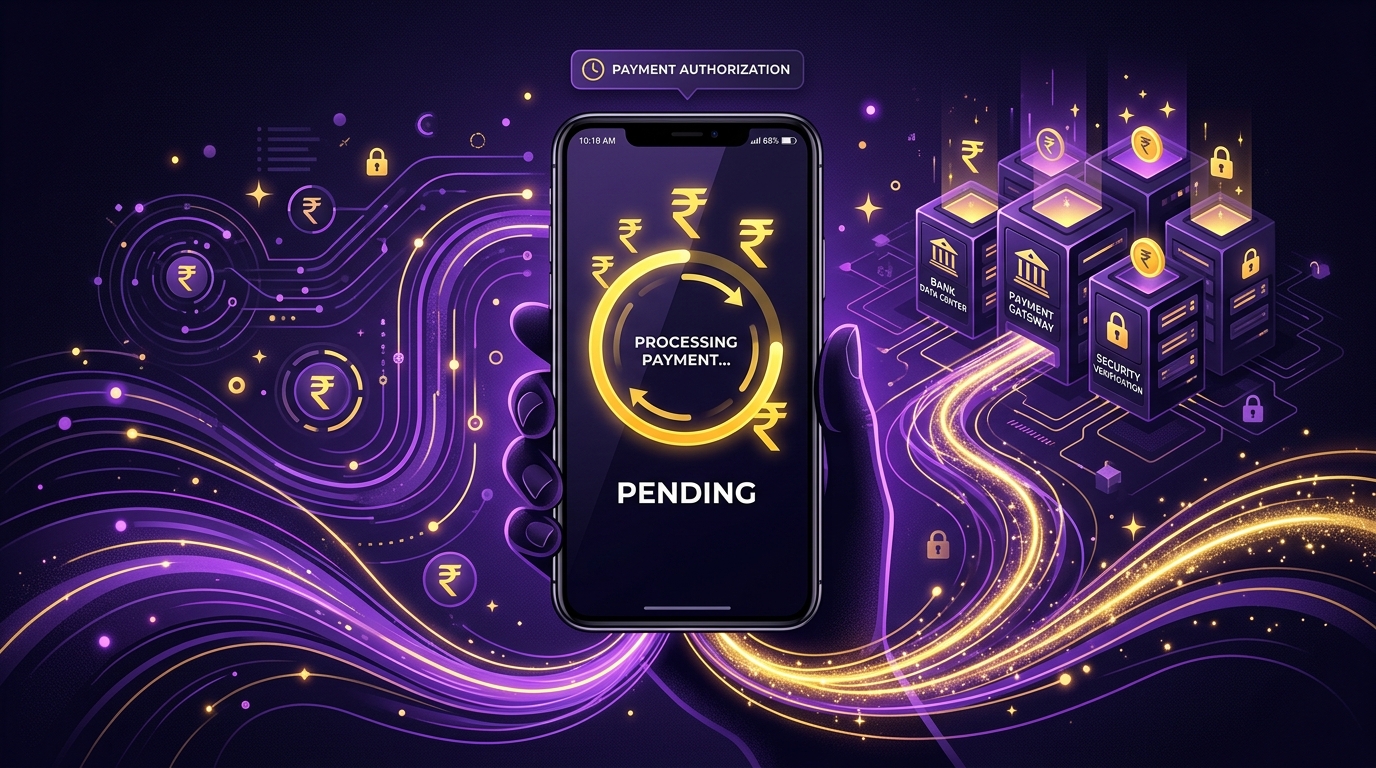
Did you scan a QR code or send money to a friend via PhonePe, only to find the screen showing a yellow “Pending” status while your bank sent an SMS showing the money was deducted?
Facing a situation where your PhonePe transaction pending but money debited is one of the most common issues users face on UPI networks.
It is natural to panic, especially if you are paying for an urgent purchase or making a high-value payment.
Fortunately, UPI has built-in auto-refund systems designed to protect your funds during server declines.
In this guide, we explain why PhonePe payments get stuck in pending status, provide steps to secure your refund, and outline how to file official complaints on the NPCI portal if your refund is delayed.
What Does a “Pending” Transaction Mean on PhonePe?
A “Pending” status indicates that the payment command was successfully initiated by PhonePe and your bank (the remitter bank), but confirmation is awaited from the recipient’s bank (the beneficiary bank).
Since the money has left your account but has not yet reached the recipient, NPCI holds the transaction in an intermediate gateway.
In 99% of cases, the transaction will resolve automatically to either **”Successful”** (money reaches the recipient) or **”Failed”** (money returns to your account) within 24 to 48 hours.
Top 3 Reasons for Pending UPI Payments
UPI transactions pass through multiple banking gates in real-time. A breakdown at any gate causes a lag:
1. Core Banking Server Downtime
If either the sending bank or the receiving bank is experiencing core system upgrades or server outages, the transaction cannot be validated instantly.
The payment gateway waits for the server to come back online, displaying a pending message in the meantime.
2. Network Congestion Between Lenders/Banks
During peak hours (such as festival sales or business hours), high volumes of UPI transaction traffic can create processing delays on bank servers.
3. Daily UPI Transaction Limits Reached
If you or the recipient has exceeded the daily limit of 20 UPI transactions or the ₹1 Lakh value limit set by NPCI, the transaction may get stuck in verification.
Step-by-Step Guide to Get an Instant Refund for Pending Payments
Follow these steps systematically to trace and recover your debited money:
Step 1: Wait for the 48-Hour Auto-Reconciliation Window
NPCI runs automated reconciliation scripts every night to identify unmatched transactions.
If the payment fails to reach the beneficiary bank, the system automatically reverses the payment and credits it back to your account.
Check your bank statement after 24 to 48 hours to confirm if the reversal has been completed.
Step 2: Retrieve the UTR Number from PhonePe History
The UTR (Unique Transaction Reference) is a 12-digit transaction index generated by NPCI. It serves as your official proof of payment.
- Open PhonePe and tap the **History** tab at the bottom right.
- Select the stuck transaction to open the details page.
- Locate the 12-digit number labeled **”UTR”** or **”Debited From”** details.
- Copy this number; you will need it to file dispute tickets.
Step 3: Raise a Ticket Inside the PhonePe Help Center
You can alert PhonePe’s support desk to initiate manual reconciliation:
- Open the pending transaction details page on PhonePe.
- Tap on **”Contact PhonePe Support”** at the bottom of the screen.
- Select the issue option: **”Money debited but payment pending”**.
- Submit the details. PhonePe will issue a support ticket number and resolve the query within 24 hours.
Step 4: File a Dispute on the Official NPCI Portal
If your bank and PhonePe fail to reverse the money after 3 business days, you can lodge a complaint directly with the NPCI, the governing body of UPI:
- Visit the official NPCI dispute portal at npci.org.in.
- Navigate to **”What We Do”** > **”UPI”** > **”Dispute Redressal Mechanism”**.
- Under the Complaint section, select **”Transaction”** as the type.
- Select the nature of issue: **”Amount debited but transaction showing pending/failed”**.
- Enter the UTR number, your UPI ID, bank name, transaction date, and upload your bank statement as proof.
- NPCI will review the dispute and direct the partner banks to complete the refund.
What are the RBI Guidelines for Delayed UPI Refunds?
Under the RBI’s **”Turnaround Time (TAT) for Resolution of Customer Complaints”** framework, banks must resolve failed transactions within a set timeframe:
- For UPI transactions where money is debited but not credited to the beneficiary, the bank must reverse the funds by **T+1 day** (Transaction date + 1 day).
- If the bank fails to reverse the money within **T+5 days**, they are legally bound to pay a compensation of **₹100 per day** to the customer for the period of delay.
- Keep your bank statements safe to check if you are eligible for this compensation if your refund takes more than a week.
Frequently Asked Questions (FAQ)
Will my money get refunded if the PhonePe transaction is pending?
Yes. If the transaction eventually fails, the money will be reversed back to your source bank account within 24 to 48 hours. If it succeeds, the recipient will receive the money.
How long does a pending PhonePe transaction take to fail?
Most pending transactions resolve within 2 to 4 hours. However, in cases of severe server issues, it can take up to 48 business hours for the status to change to either successful or failed.
Can I cancel a pending payment on PhonePe?
No. Once a transaction is initiated and the money has left your bank account, you cannot cancel it. You must wait for the network to resolve the status automatically.
How do I contact PhonePe customer care?
You can access support through the Help section in the app. Alternatively, visit the official website support page at **support.phonepe.com** or call their helpline numbers listed on their verified portal.
What is the full form of UTR in PhonePe?
UTR stands for **Unique Transaction Reference**, which is a 12-digit numeric code generated by NPCI for tracking every UPI transfer in India.
Conclusion
A pending transaction on PhonePe is a common technical issue and does not mean your money is lost.
By waiting for the standard reconciliation window, obtaining your UTR number, raising app tickets, and utilizing the NPCI dispute portal, you can easily track and secure your refund.
Avoid trying to re-initiate the payment immediately to prevent duplicate debits. Share this guide with others to help them handle UPI transaction issues calmly!

Sarthak Gupta writes about personal finance, loans and credit for Indian borrowers. His guides on Techy Loan explain CIBIL scores, RBI rules and loan apps in simple language so readers can borrow safely and confidently.